Photobooth S3 Sync
 Björn

Contents
This project focuses on the technical implementation of my photo booth, which not only stores captured images locally but also uploads them directly and automatically to cloud storage. Specifically, the photos are uploaded to an Amazon Web Services S3 bucket immediately after being taken. This makes them available online almost in real time, allowing guests to access and edit them instantly.
1 Setting up an AWS bucket
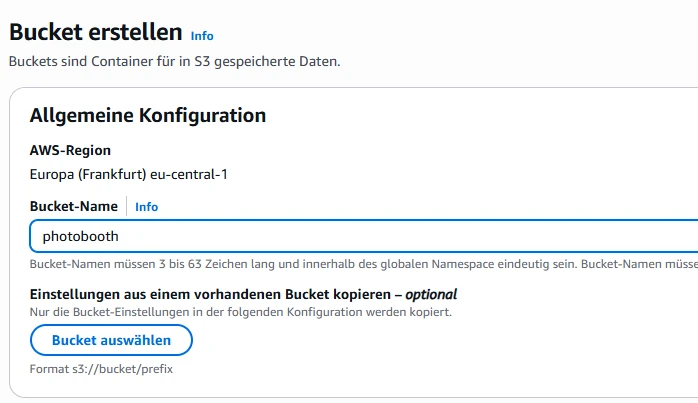
2 Setting up an AWS IAM-user
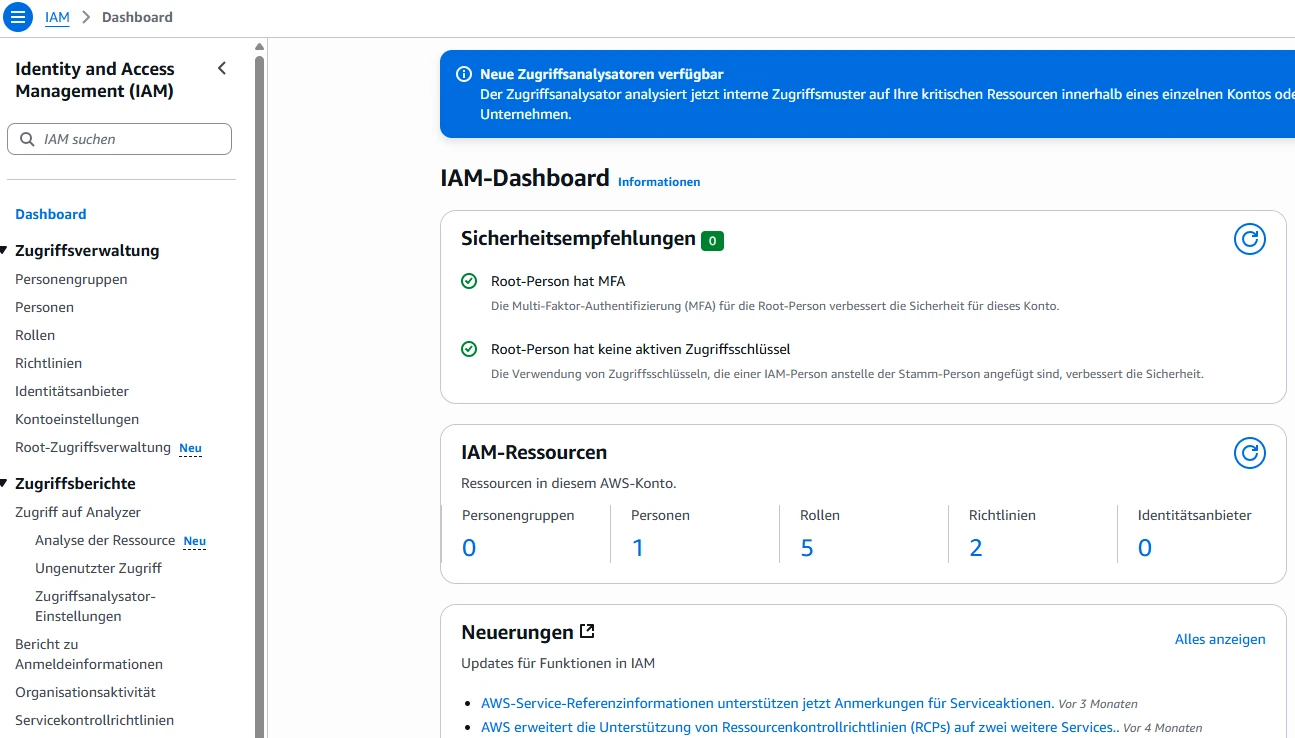
2.1 Create a user
- Click “Users”
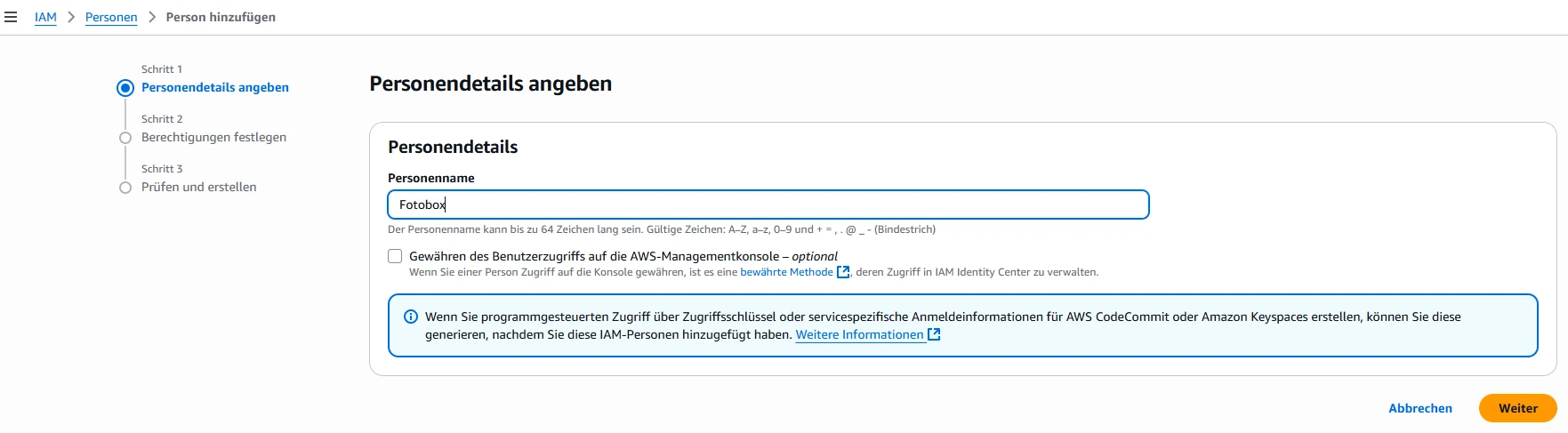
- Click “Create user”

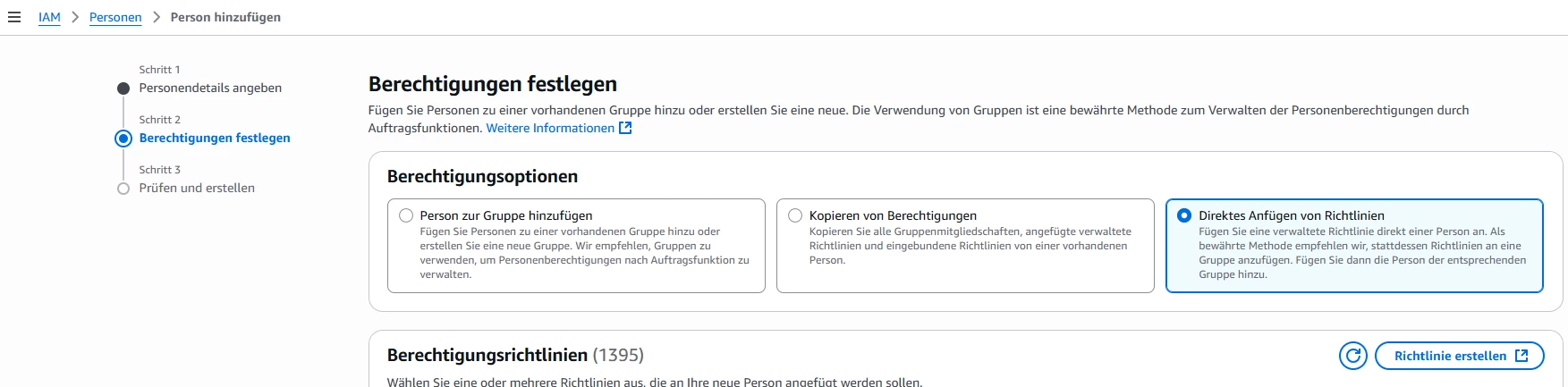
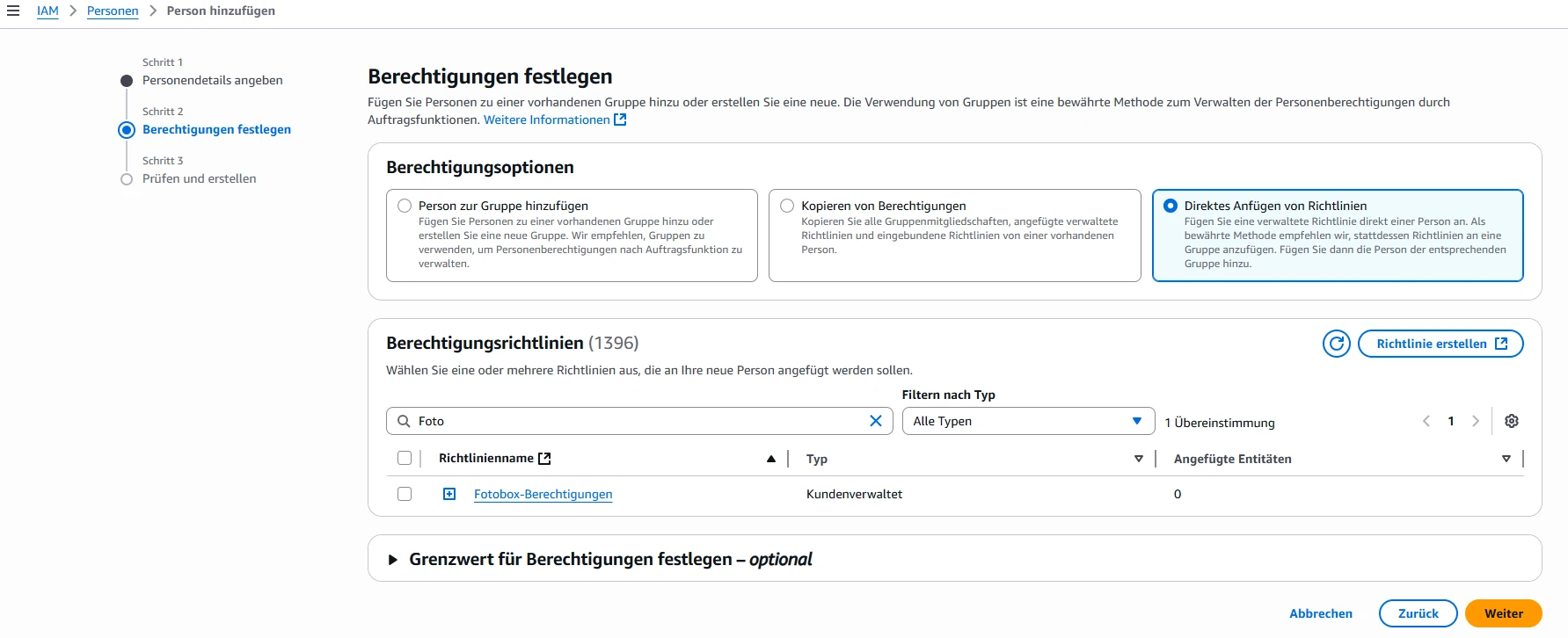
- Attach policies directly
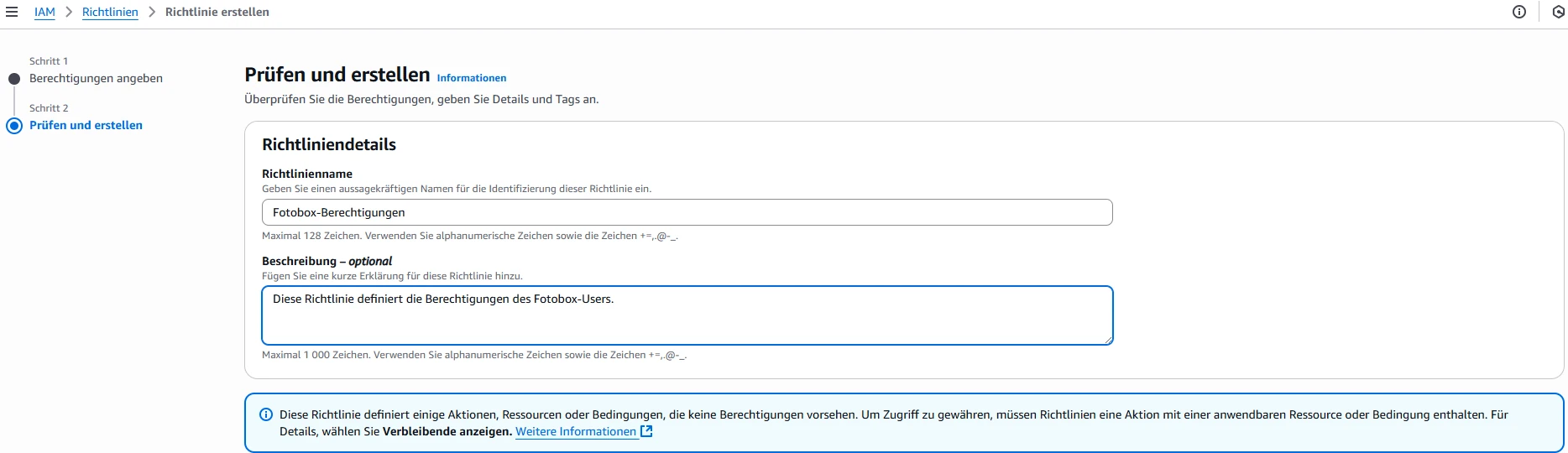
- Create policy
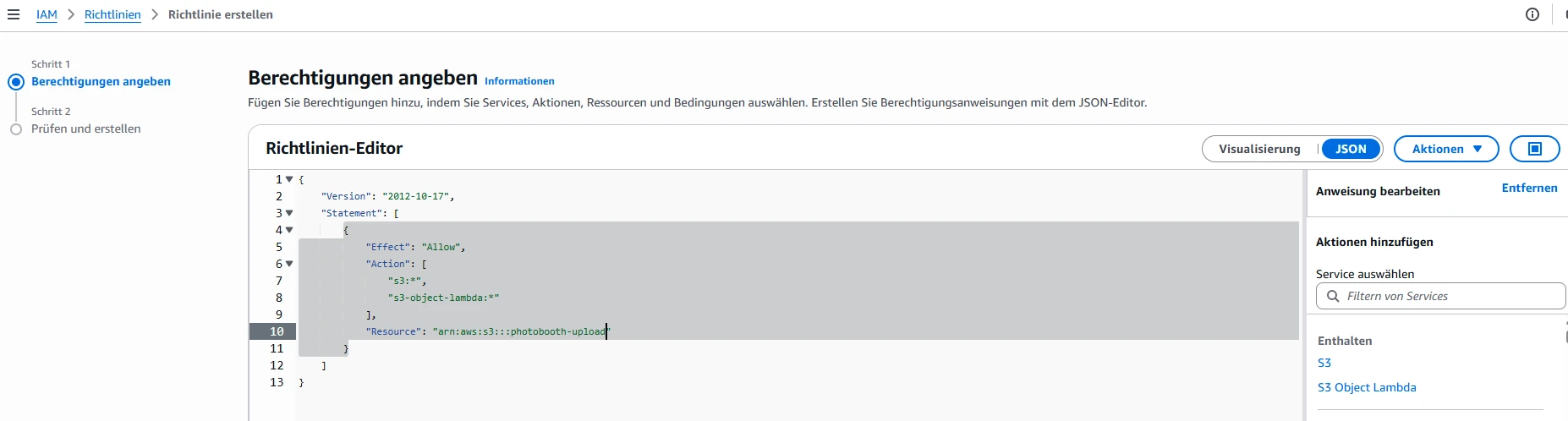
{
	"Version": "2012-10-17",
	"Statement": [
		{
			"Effect": "Allow",
			"Action": [
				"s3:*",
				"s3-object-lambda:*"
			],
			"Resource": [
			    "arn:aws:s3:::photobooth-upload",
			    "arn:aws:s3:::photobooth-upload/*"
			]
		}
	]
}
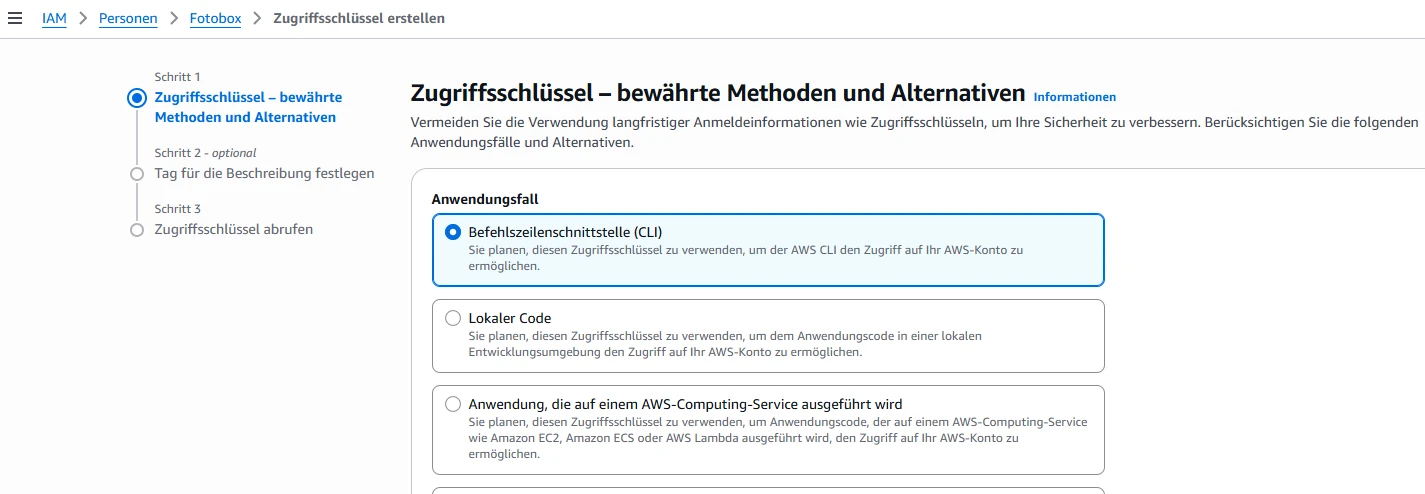
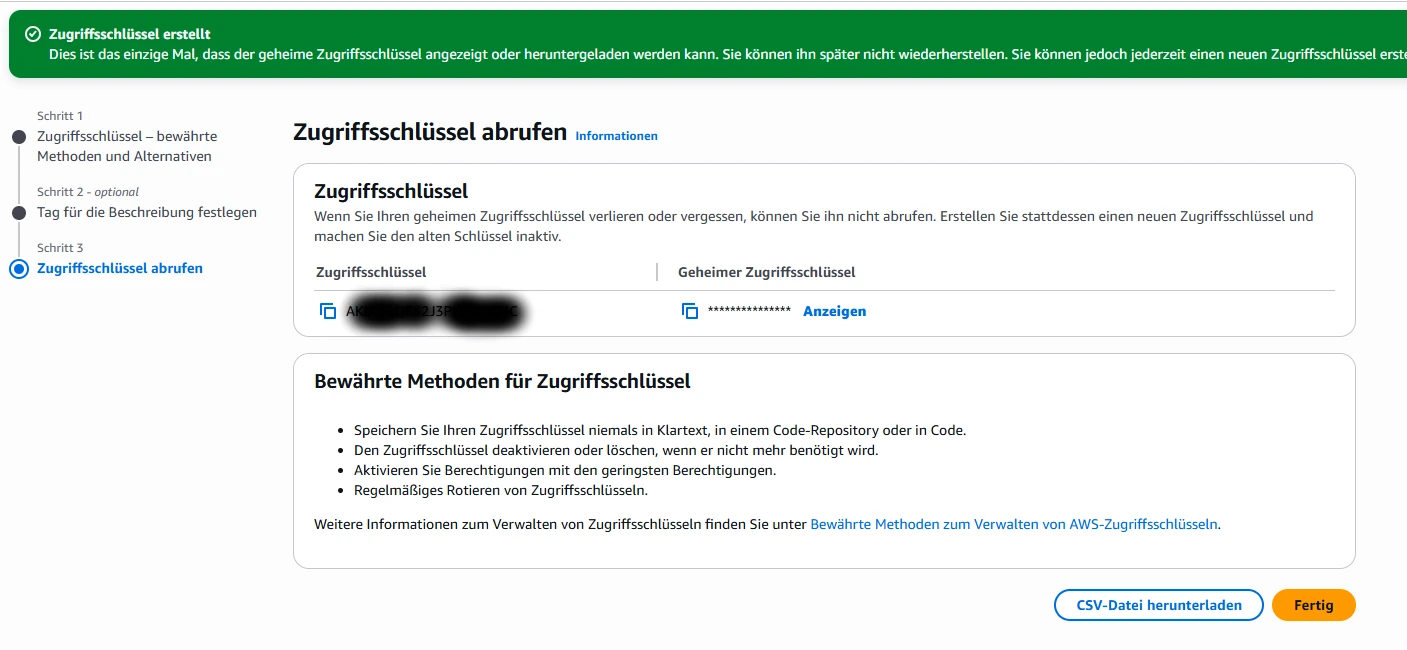
2.2 Create access key
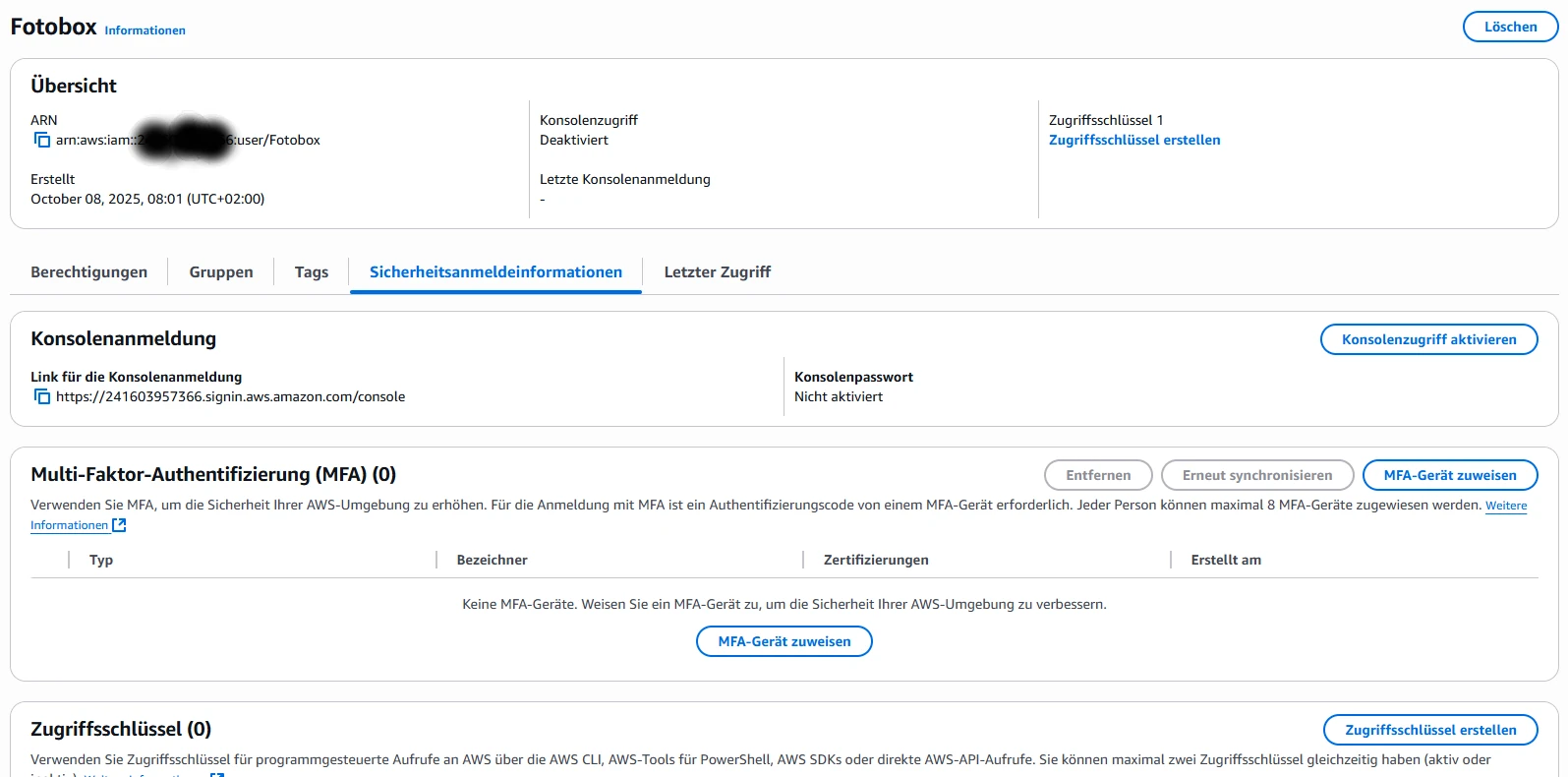
- “Create access key”
- Note access key and secret access key
3 AWS-Cli
- follow the installation instructions, but keep your architecture in mind:
uname -m - aws –version
- aws configure

4 Sync-Script
“/usr/local/bin/photobooth_s3_sync.sh”
#!/bin/bash
# Photobooth S3 Sync Script
# Reliably uploads files to an S3 bucket without allowing parallel processes.

# === Configuration ===
BUCKET="photobooth"
REGION="eu-central-1"
LOCAL_DIR="/home/photobooth/data/media/processed_full/"
LOGFILE="/var/log/photobooth-s3-sync.log"
LOCKFILE="/tmp/photobooth_s3_sync.lock"
RETRIES=5
SLEEP_BETWEEN=10  # seconds between retries

# === functions ===
log() {
  echo "$(date '+%Y-%m-%d %H:%M:%S') $1" | tee -a "$LOGFILE"
}

cleanup() {
  rm -f "$LOCKFILE"
}

sync_directory() {
  for ((i=1; i<=RETRIES; i++)); do
    log "Sync-Versuch $i gestartet..."
    aws s3 sync "$LOCAL_DIR" "s3://$BUCKET/" --region "$REGION" --only-show-errors --delete
    if [ $? -eq 0 ]; then
      log "Sync erfolgreich abgeschlossen."
      return 0
    fi
    log "Sync fehlgeschlagen (Versuch $i). Neuer Versuch in $SLEEP_BETWEEN Sekunden ..."
    sleep "$SLEEP_BETWEEN"
  done
  log "Alle Sync-Versuche fehlgeschlagen."
  return 1
}

# === Check lock ===
if [ -f "$LOCKFILE" ]; then
  PID=$(cat "$LOCKFILE")
  if ps -p "$PID" > /dev/null 2>&1; then
    log "Sync läuft bereits (PID $PID) – starte keinen neuen."
    exit 0
  else
    log "Lockfile vorhanden, aber Prozess existiert nicht mehr – entferne Lock."
    rm -f "$LOCKFILE"
  fi
fi

# Set lock
echo $$ > "$LOCKFILE"
trap cleanup EXIT

log "Starte S3-Sync-Prozess..."
sync_directory
cleanup
Banner image AI generated